Automate processing. Trigger tasks such as file movement, transcoding, proxy generation and scanning automatically as media moves through the workflow.
Automate Workflows
FLOW automates repetitive tasks across ingest, transcoding, metadata, file movement, QC, archive and delivery, so teams spend less time on manual processing and more time on creativity.
The Challenge
Ingesting, transcoding, tagging, delivering, by hand.
Repetitive technical tasks can become a bottleneck as media volumes and workloads grow.
Manual file movement, processing and hand-offs can lead to mistakes when teams are working to tight deadlines.
Preparing media in the right format and getting it to the right destination can slow workflows down.
How It Works
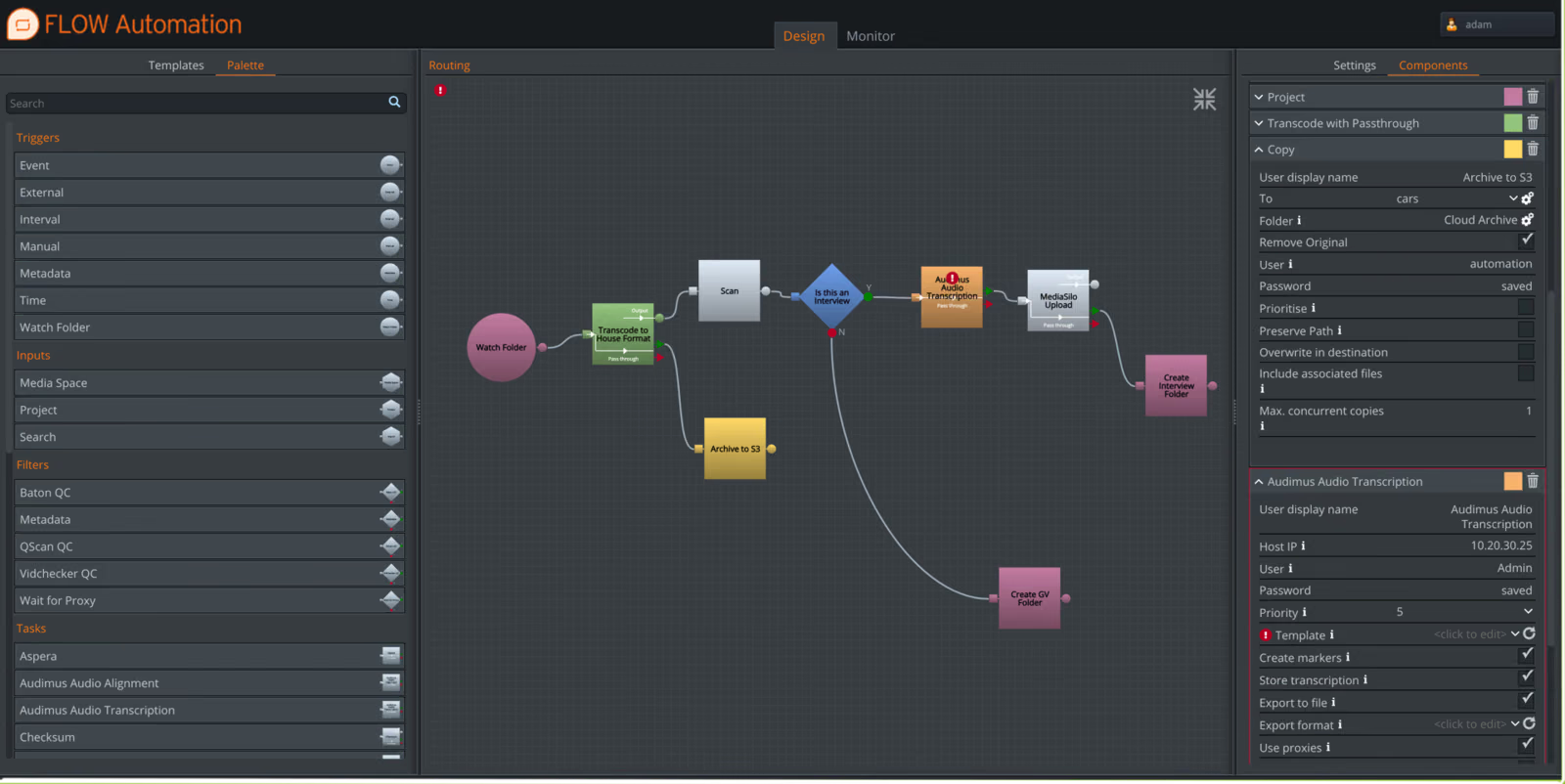
Build workflows that respond to schedules, metadata changes, system events or new content arriving in a watchfolder. FLOW can then run the required media tasks automatically in the background.
Automate processing. Trigger tasks such as file movement, transcoding, proxy generation and scanning automatically as media moves through the workflow.
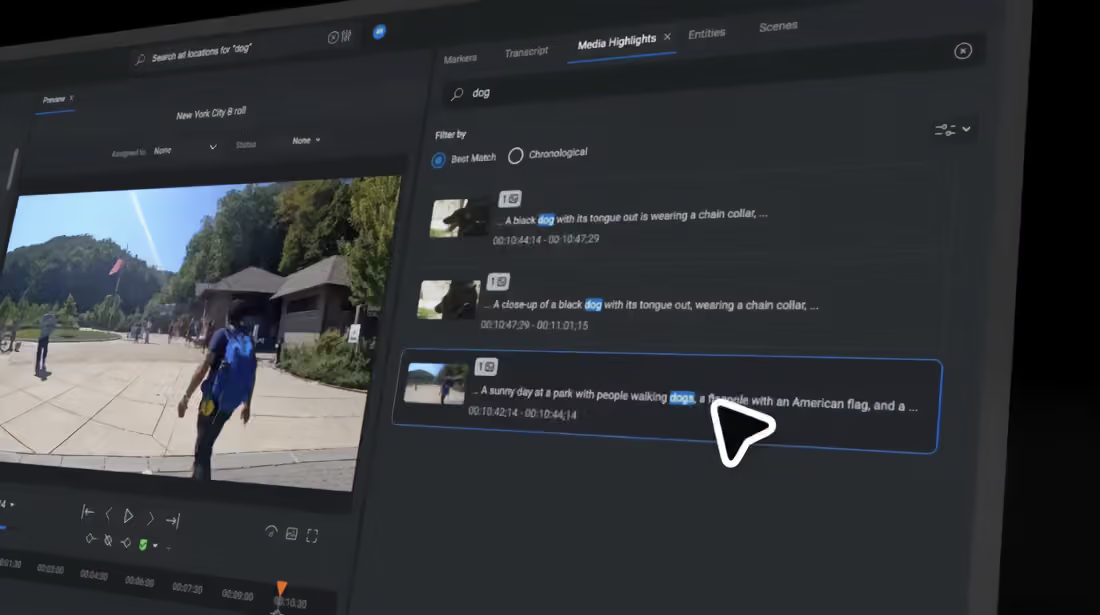
Enrich with metadata and AI. Apply metadata and use FLOW AI analysis within automated workflows to make content easier to find and use.
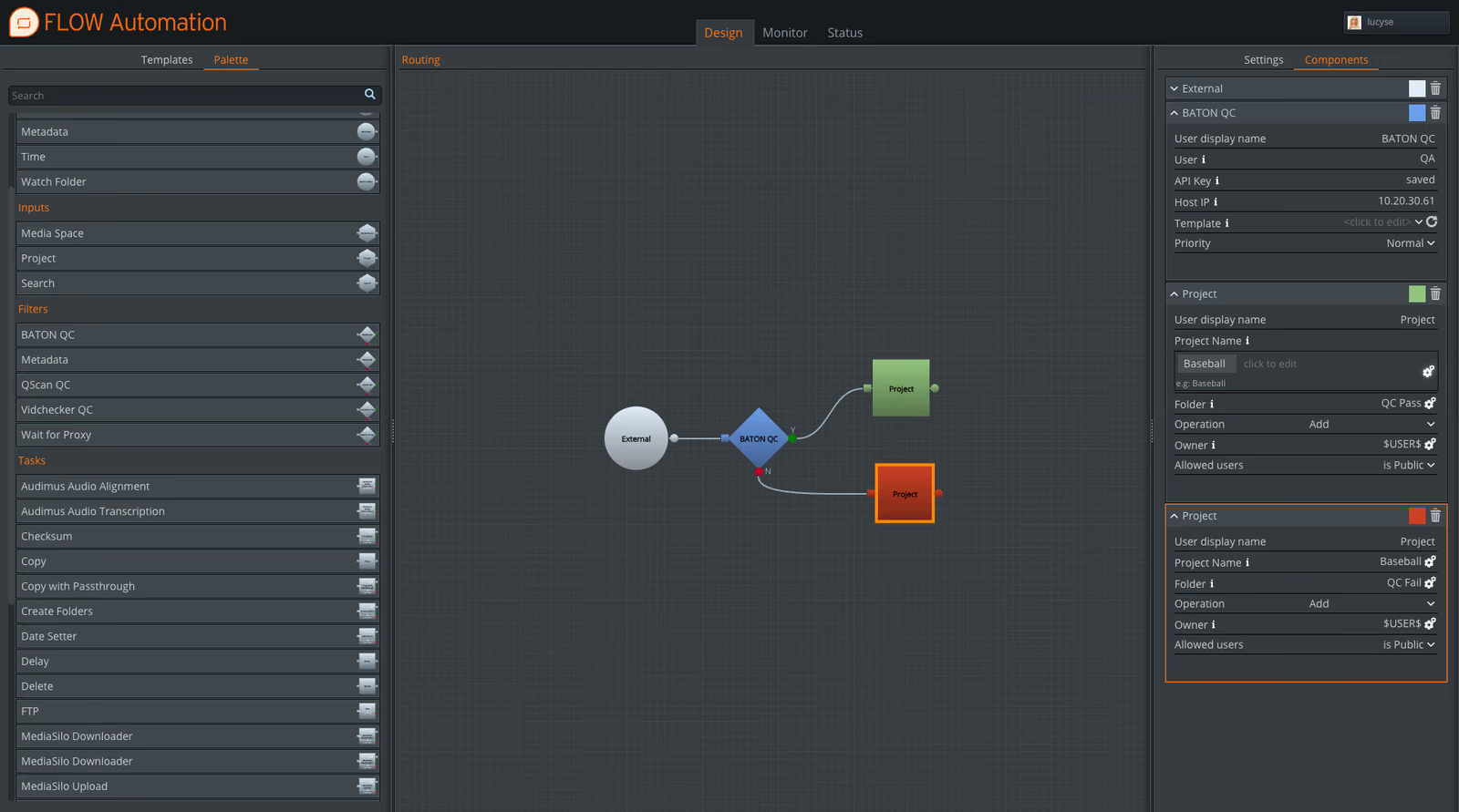
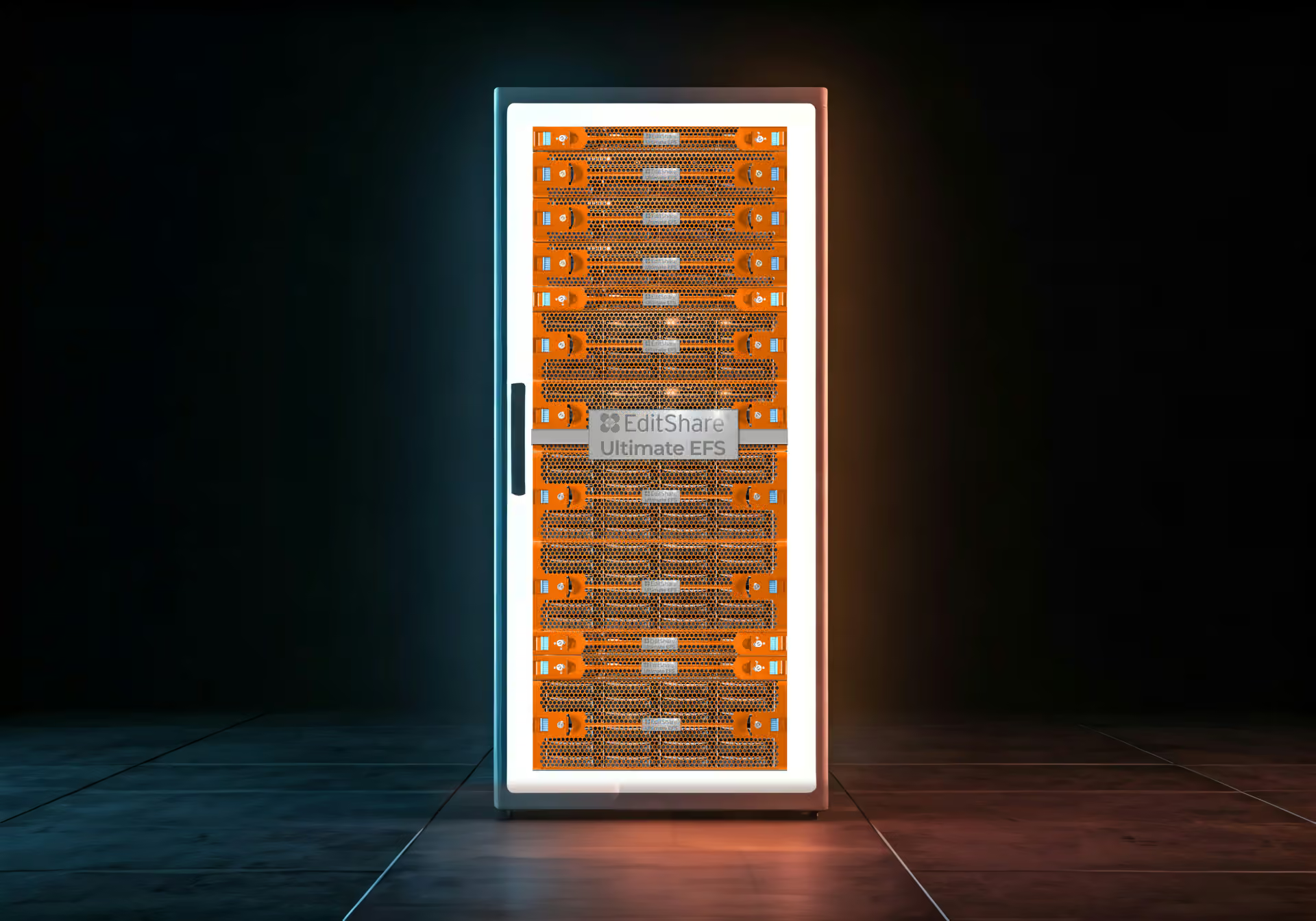
Orchestrate hand-offs and delivery. Build QC, transcoding and delivery into the workflow, including integrations with supported QC systems and delivery to EFS, cloud storage or other destinations.
Move media where it needs to go. Automate file movement between folders, storage tiers and locations, reducing repetitive copying and hand-offs.
What You Get
Create simple or complex workflow templates graphically using triggers, inputs, tasks and filters. No scripting required for standard workflow creation.
Start workflows on a schedule, when metadata changes, when system events occur, when new content appears in a watchfolder, or manually when required.
Combine transcoding, scanning, file movement, QC, metadata export, project management, archive and delivery into repeatable workflows.
See scheduled, active, running and completed automation jobs, identify failures and adjust priorities when production demands change.
Add FLOW Production Nodes as workloads grow to increase processing capacity for intensive tasks such as transcoding, QC and file movement.
Use APIs and supported integrations to connect FLOW automation into wider production and business workflows.
Products
Customer story
We had it up and running really quickly. Now, every time a job is booked in Farmers Wife, the media space is built, the team is connected, and everything is ready to go.
Jamie Lawrence
Head of Technical Operations, Films at 59
FLOW automates ingest, proxy and transcode creation, metadata generation and AI tagging, watermarking, delivery and export, and site-to-site synchronization. Workflows can trigger on ingest, status changes, or schedules.
See how FLOW can reduce manual processing, file movement and repetitive media tasks across your workflow.