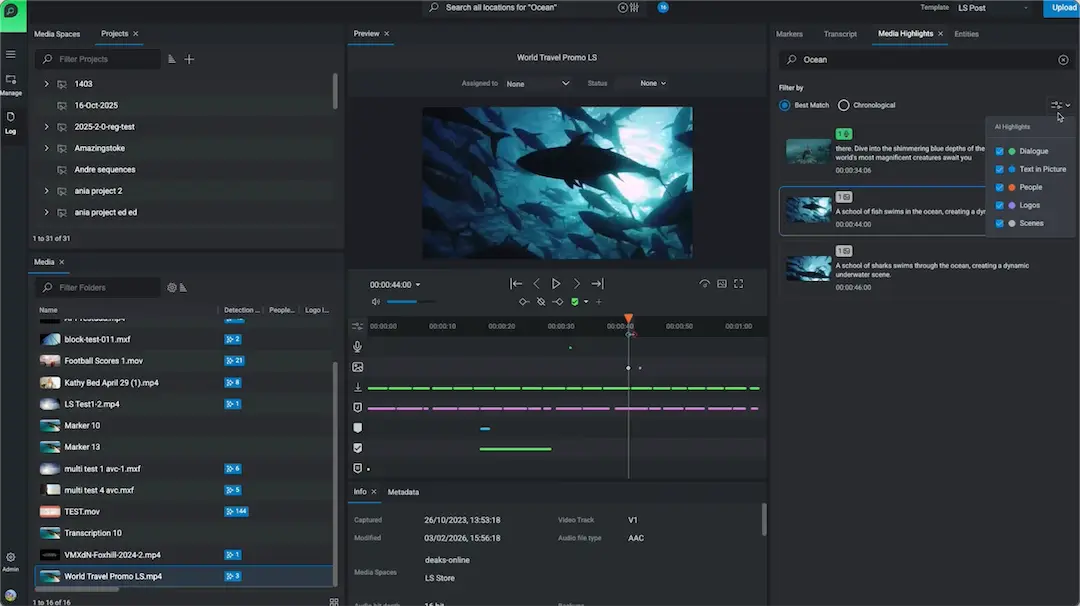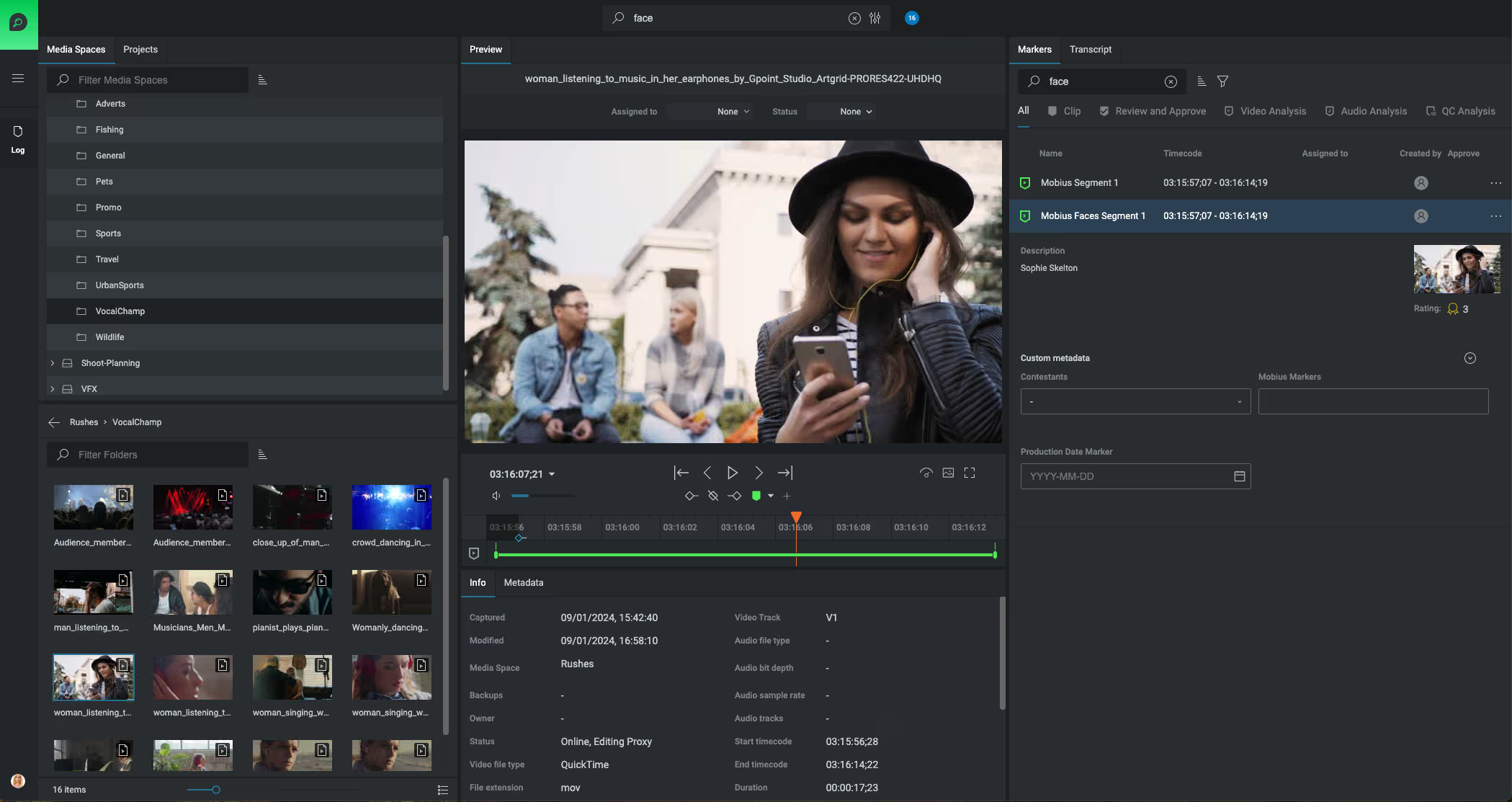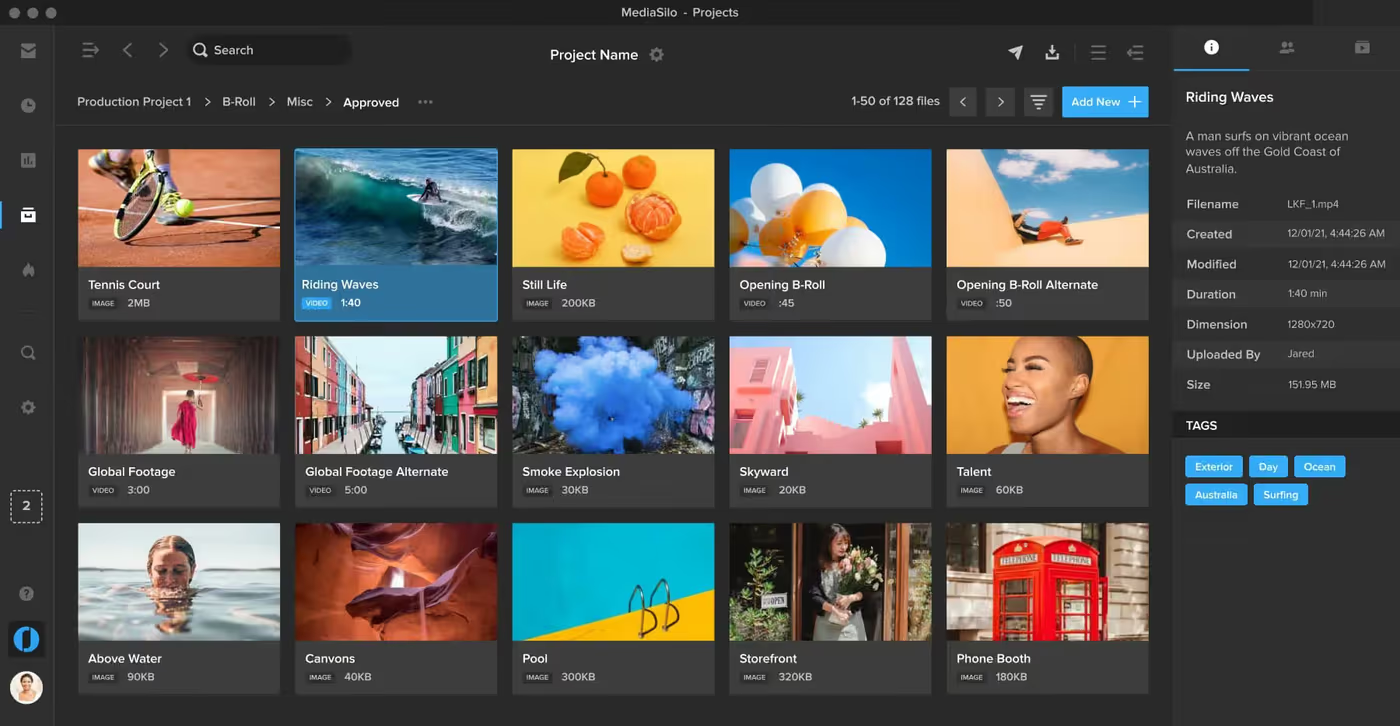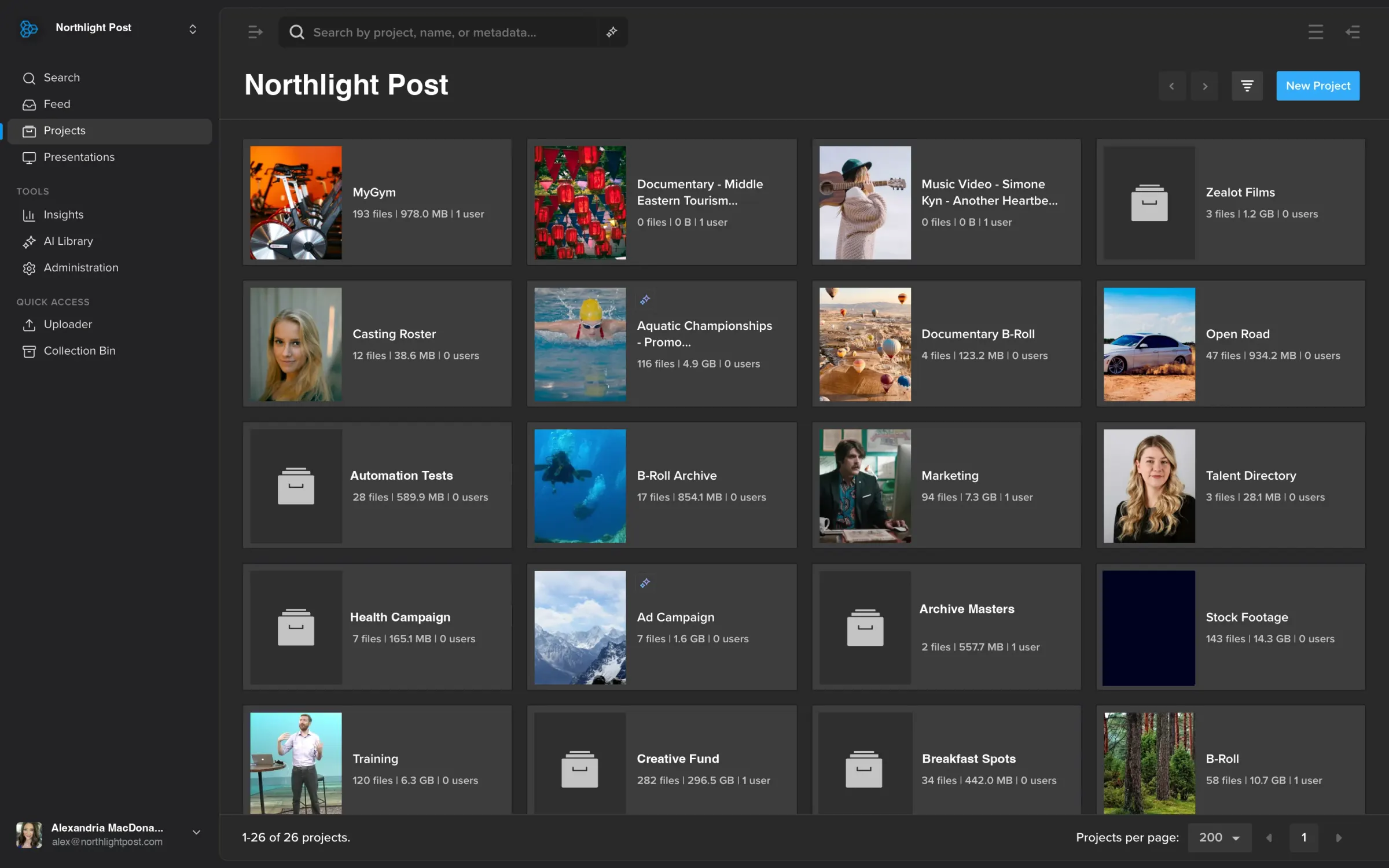
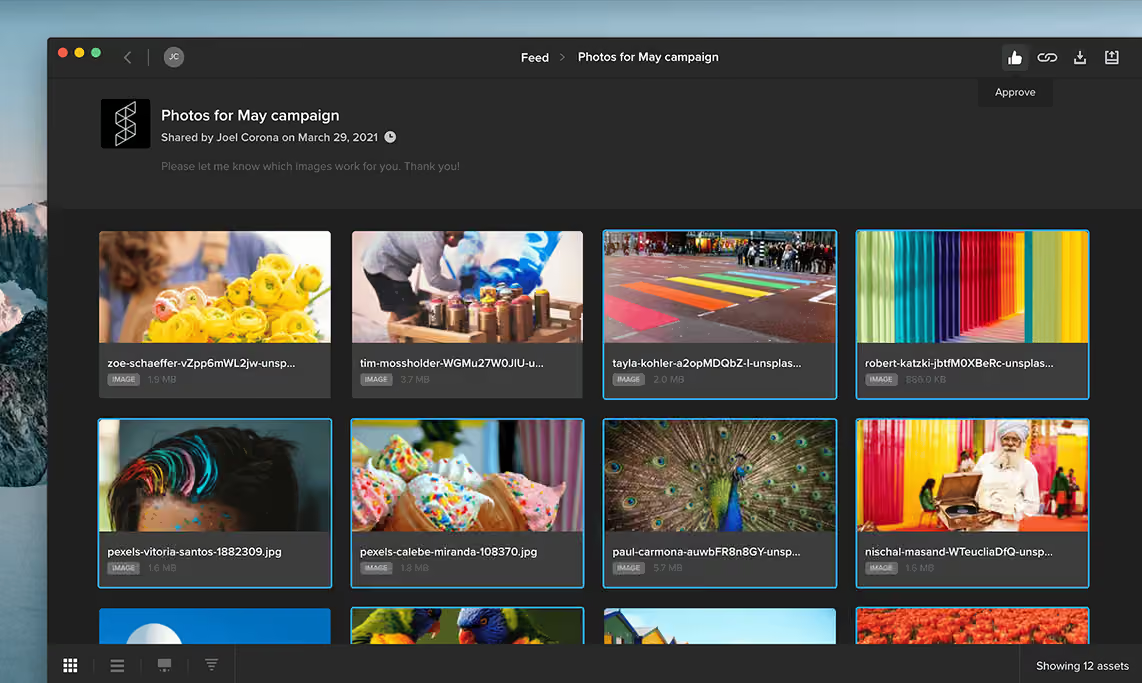

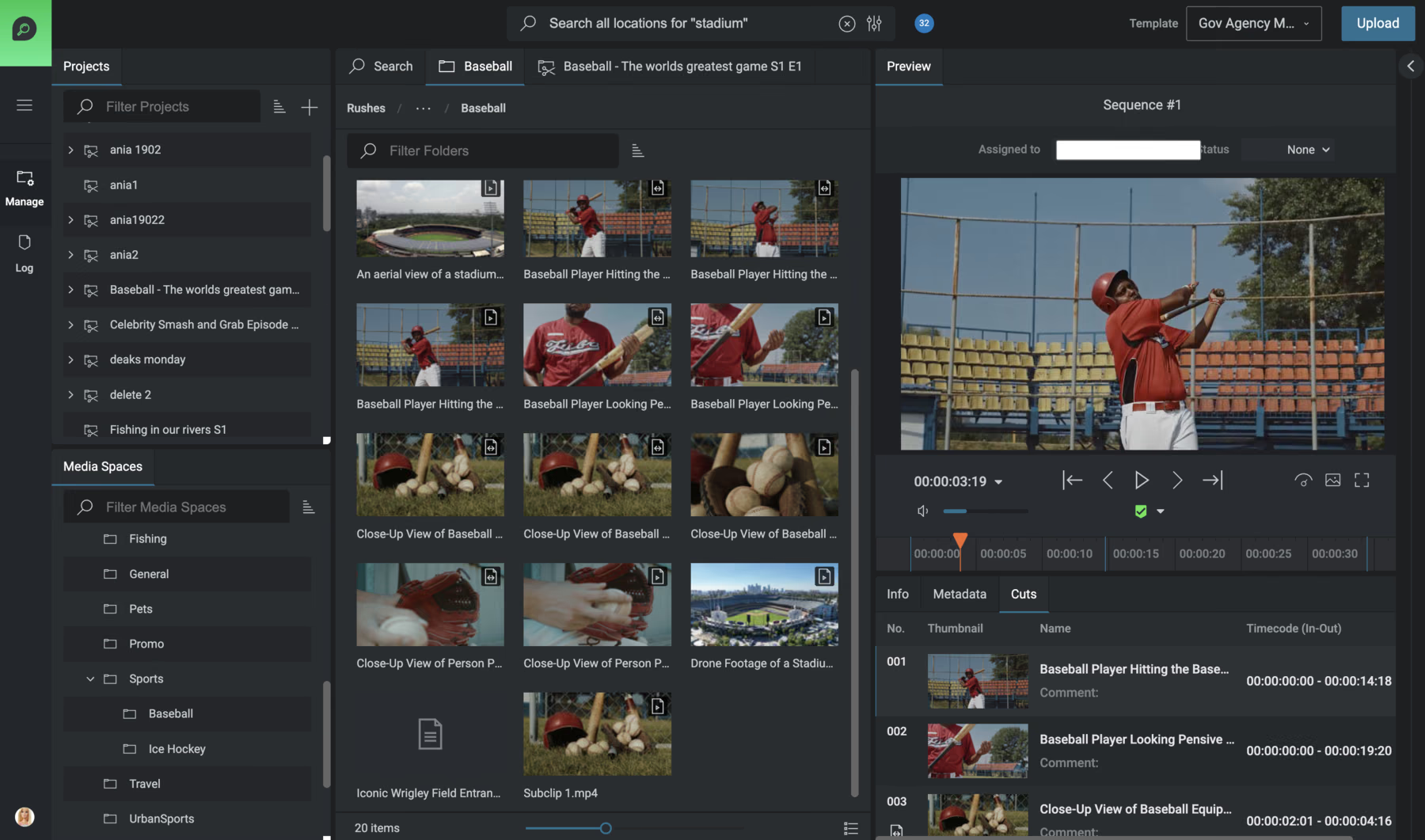
Use metadata, structured search and browser-based tools to find media across active production and archive workflows. FLOW keeps content organized and searchable throughout the production lifecycle.
Find Content Faster
Turn growing media libraries into content your teams can actually find. Use metadata and AI-powered discovery to search dialogue, scenes, people, logos and on-screen text, whether you’re working with active production media or existing libraries.
The Challenge
Libraries grow faster than anyone can log them, and unsearchable media is the same as no media at all.
Every shoot, event, and season adds terabytes to the library, far more than a team can tag by hand.
Most media lands in folders no one remembers, so the right clip is effectively invisible when you need it.
Teams can end up recreating content they already have or spending valuable time hunting through old projects.
How It Works
Use metadata, transcripts, scenes, people, logos, on-screen text and connected-storage browsing to narrow down the content you need faster.
Use metadata, structured search and browser-based tools to find media across active production and archive workflows. FLOW keeps content organized and searchable throughout the production lifecycle.
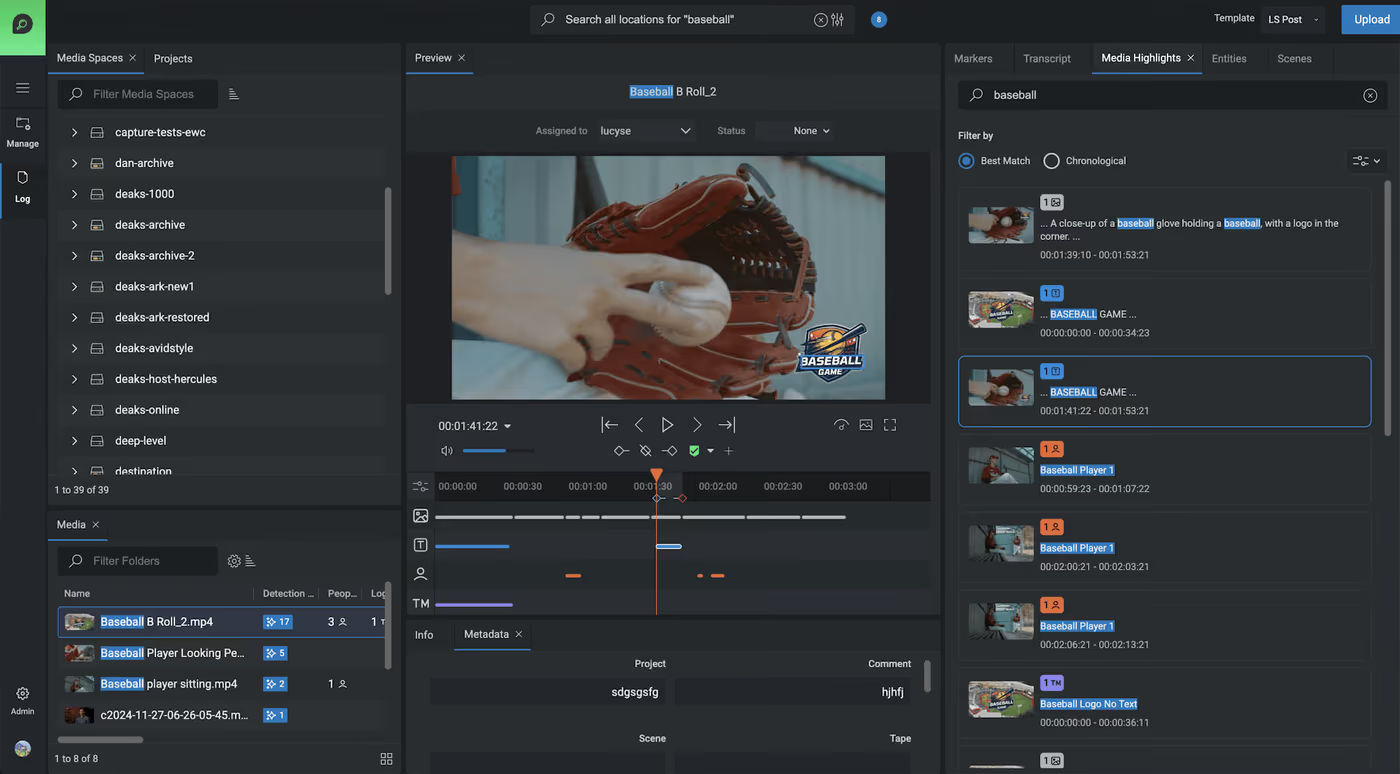
Go deeper with FLOW AI. Analyze media as it enters the workflow to create searchable transcripts, scenes, people, logos, on-screen text and highlights. Processing runs on-prem, and predictable unlimited processing means no per-minute AI charges.
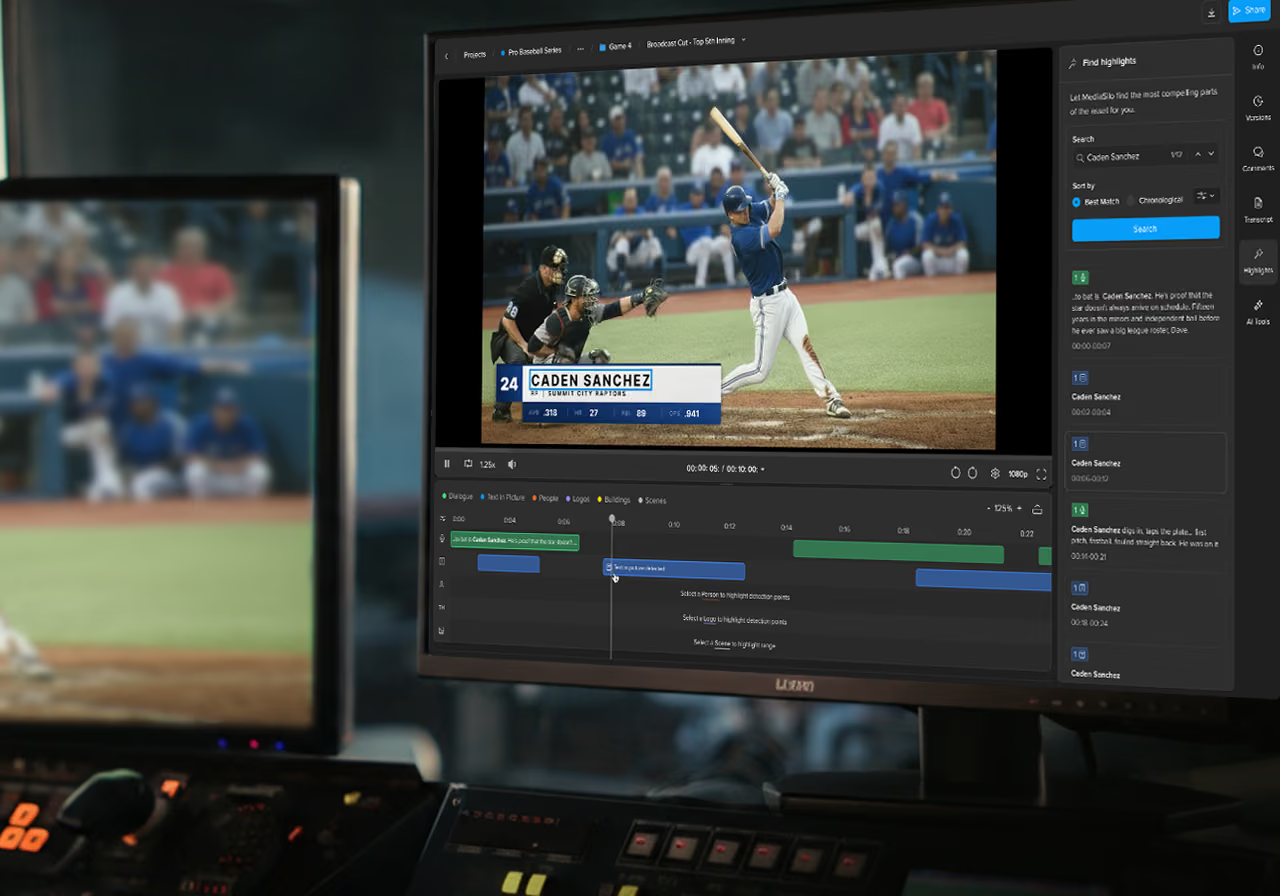
Discover media in MediaSilo. Use MediaSilo AI to search transcripts, dialogue, people, objects, tags and available metadata, then move straight into review, sharing and collaboration when you find what you need.
Reuse everything you own. Turn a growing archive into an asset. Repurpose past shoots, build highlights, and validate sponsorship exposure from media you already have.
What AI Can Find in Your Media
Not just filenames and folders. Search the content itself, from spoken words to sponsor logos.
Rich, structured metadata travels with every asset across active, nearline, and archive tiers, so nothing gets lost.
Spoken words become searchable transcripts, so you can find the moment someone said a specific phrase.
Read and index text burned into the picture, from lower-thirds and scoreboards to signage and slates.
Automatically identify people, objects, and scenes so you can locate every appearance across your library.
Verify sponsor and brand exposure in seconds for rights, compliance, and sponsorship reporting.
Built for continuous ingest, large archives, and time-sensitive turnaround, without slowing the edit down.
Products
FLOW helps teams find production media using metadata and structured search. FLOW AI adds deeper discovery across transcripts, scenes, people, logos and on-screen text, while MediaSilo AI provides AI-powered search for content managed in MediaSilo.
See how EditShare can help your team find the right content faster across production libraries, archives and cloud media workflows.